
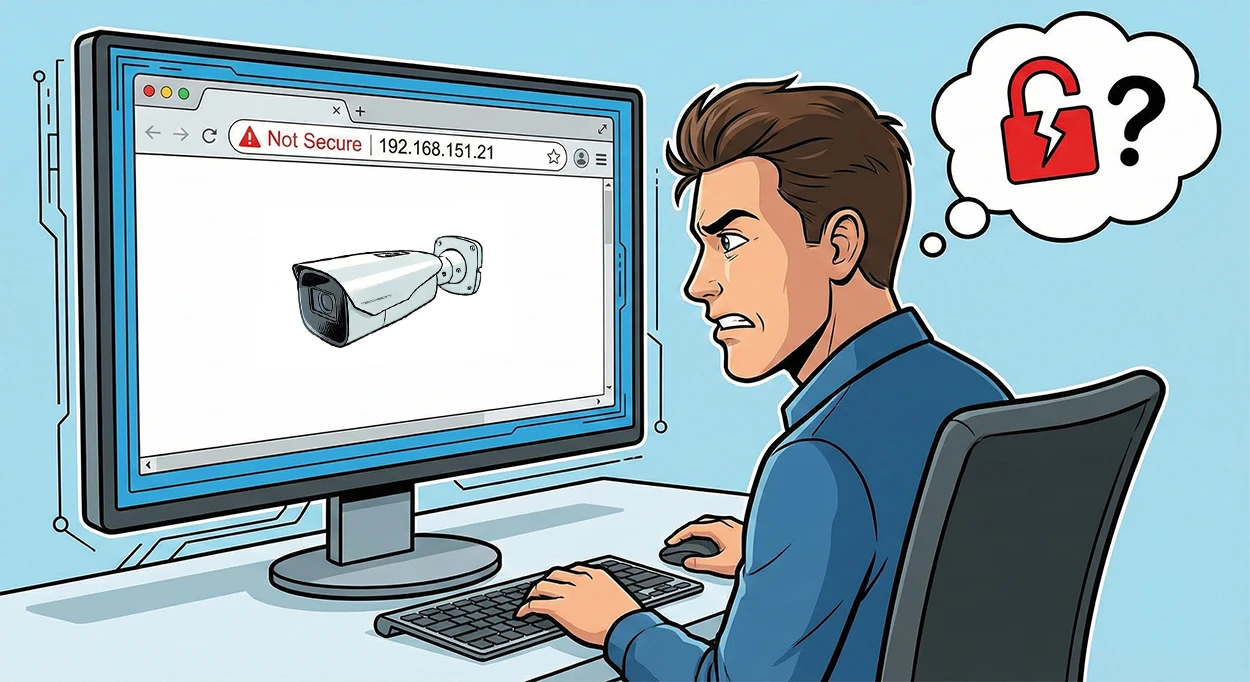
The Problem: The "Not Secure" Web Interface
When an IP camera is in its factory default state, its web interface (HTTP) is unencrypted. This means your login credentials (username, password) travel across the network as plain text, which a skilled attacker can easily intercept. Modern browsers (Chrome, Edge) warn you about this with a red "Not Secure" label.
The Solution: Local Certificate Authority (Local CA)
The solution is to use an HTTPS (encrypted) connection. However, this requires a digital certificate. There’s no need to turn to an expensive third-party provider; we can set up our own “Certificate Authority” (Local CA), for which a Synology NAS is the perfect tool. This will be our “Boss,” authenticating our devices.
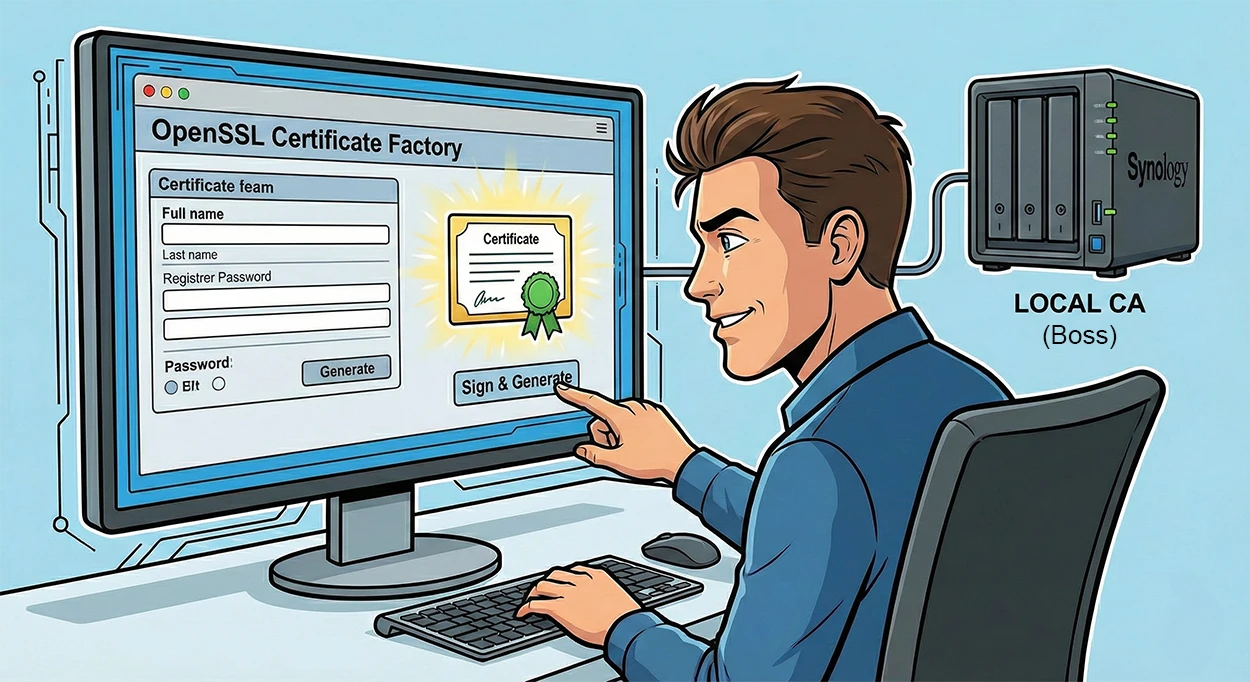
From Request to Signature
The process starts with a "handshake." The Techson camera generates a Certificate Signing Request (CSR), or we create one ourselves, which contains its data (e.g., IP address). We send this request to our own CA, which digitally signs it. The result is a validated certificate and the corresponding private key, which we download back to the camera in a single package (PEM file).
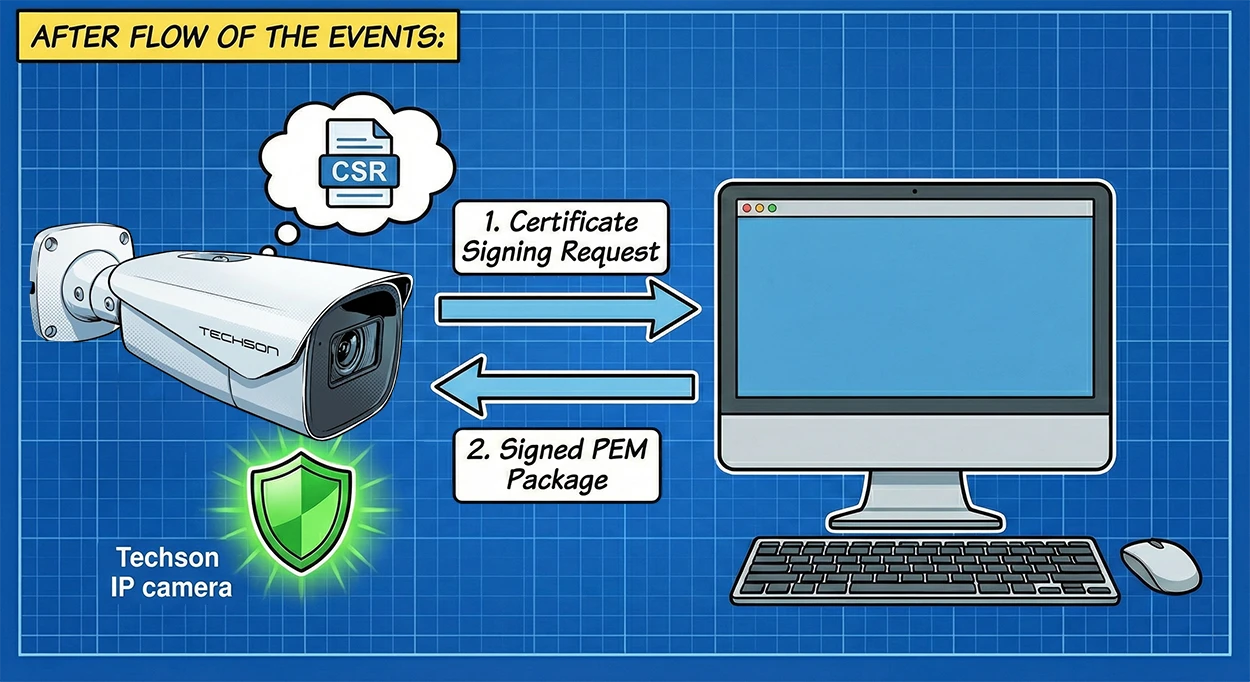
The End Result: The Green Padlock
Once we’ve uploaded the certificate to the camera and “introduced” our own CA to our computer’s browser (by adding it to the trusted root certificates), the magic happens. The browser recognizes the valid signature, the connection becomes encrypted, and the reassuring green padlock appears in the address bar. Communication is now secure.
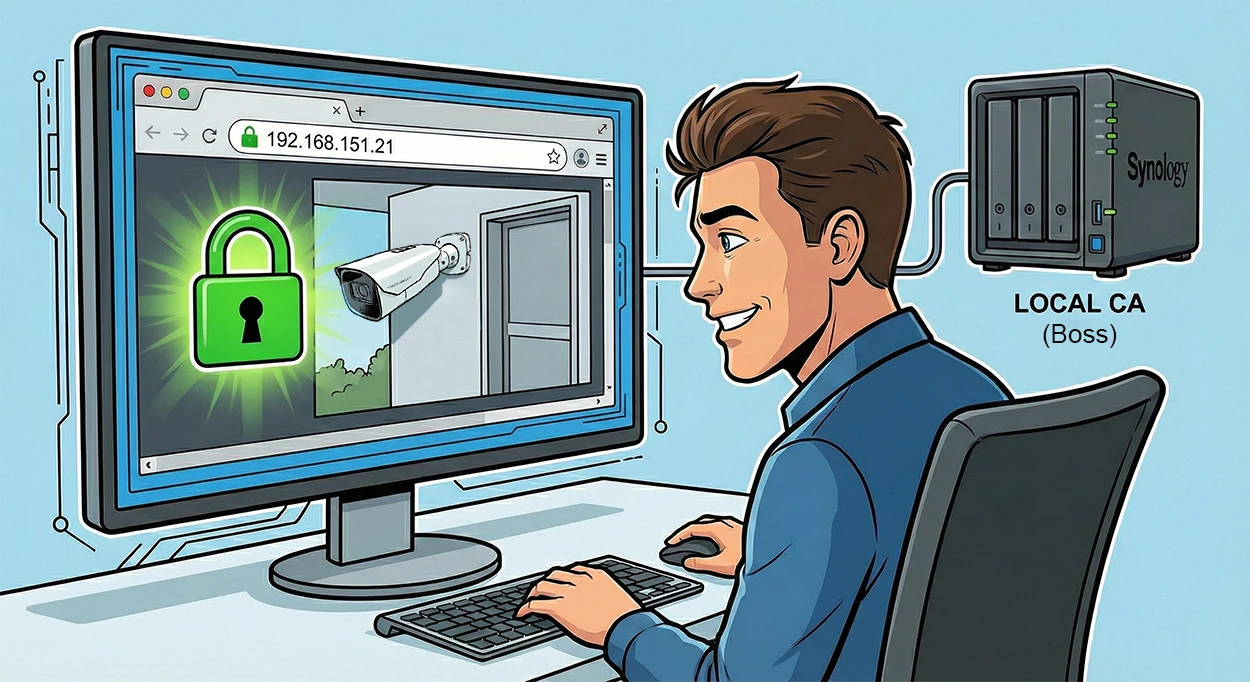
Generating your own certificates may seem complicated at first, but as the diagrams show, the process is logical and can be carried out in-house. With this method, we can not only get rid of the "Not Secure" label, but we can also make the management of our camera system truly secure without relying on external service providers.